← projects
Nimbus
A passwordless cloud workspace for organizing, sharing, beaming, and asking questions about your files.
What it is
Problem
Personal cloud storage is usually either a bare folder tree or a dense administration console. Both make routine actions such as finding, sharing, and understanding files feel heavier than they should.
Solution
Nimbus combines Appwrite-backed storage, magic-link OTP access, short-lived sharing, browser-to-browser WebRTC transfer, and an optional AI workspace in one calm dashboard. Core file management works without an AI key.
What it looks like
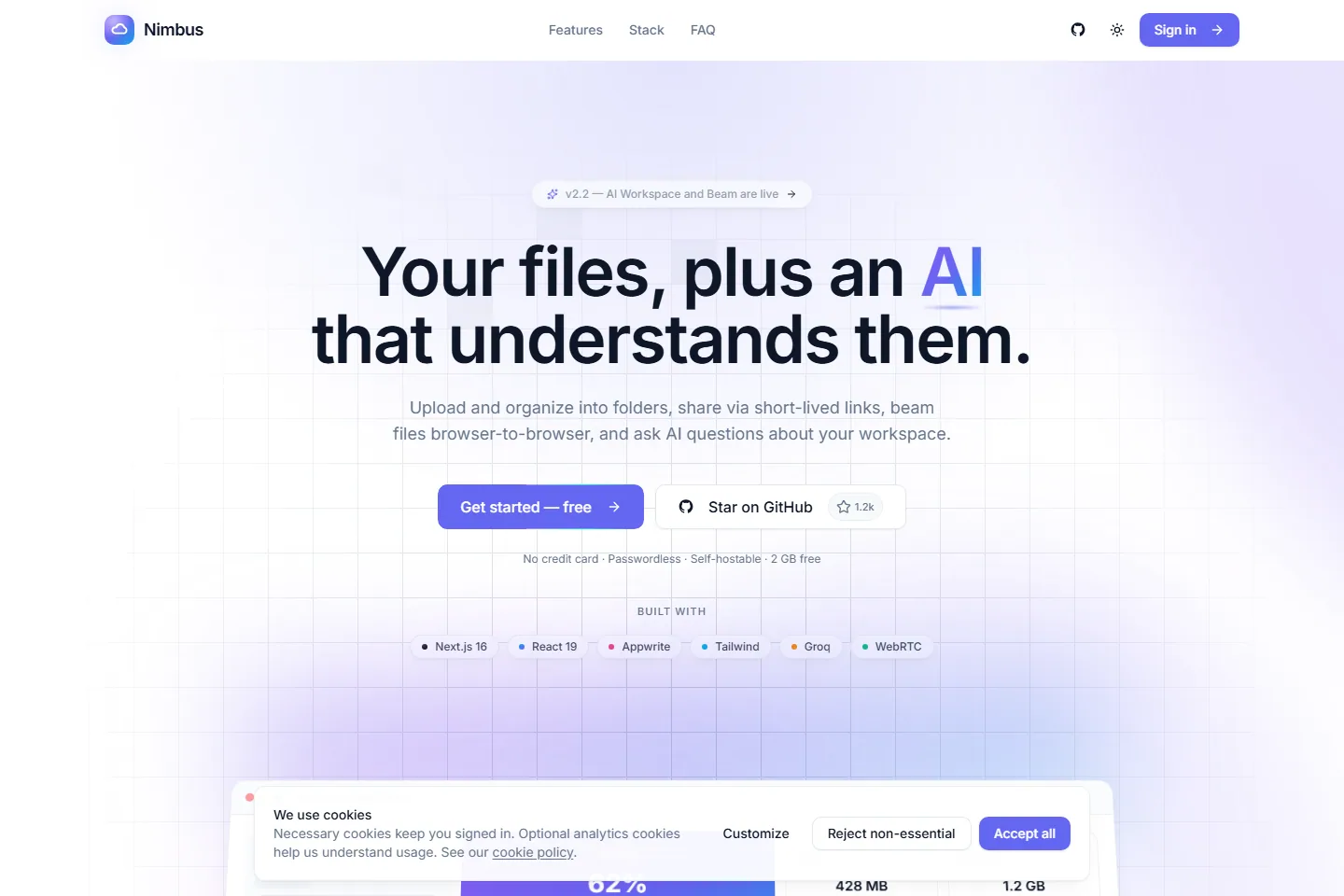
Product surfaceThe public product tour explains the storage, sharing, Beam, and optional AI layers before account creation.
Built with
Product
- Next.js 16
- React 19
- TypeScript
- Tailwind CSS
Platform
- Appwrite Auth
- Appwrite Database
- Appwrite Storage
Transfer + AI
- WebRTC
- Groq
- Claude Haiku 4.5
Highlights
- Passwordless magic-link OTP authentication
- Drag-and-drop upload, folders, live search, sorting, and file classification
- Revocable sharing links and browser-to-browser Beam transfers
- Optional workspace summaries and file Q&A
- Storage usage analytics and responsive dashboard states
Engineering
- Process 01
Transfer files without becoming the transfer server
- Context
- Large peer-to-peer transfers would consume storage and bandwidth while making Nimbus responsible for another copy of the file.
- Approach
- Use a four-digit pairing flow to establish a WebRTC connection and send bytes directly between browsers.
- Outcome
- Transfers avoid Nimbus storage, but pairing, NAT traversal, and reconnect states become visible product concerns.
- Process 02
Keep AI optional instead of foundational
- Context
- File upload, organization, and sharing must remain dependable when no model key is configured or a provider is unavailable.
- Approach
- Capability-gate the AI workspace and keep the storage model independent from summaries and file Q&A.
- Outcome
- The core product degrades cleanly; AI feels additive, though it cannot simplify the underlying file workflows.
Under the hood
Architecture notes
- Appwrite owns identity, metadata, and object storage; application helpers keep those service details out of the interface layer.
- Beam uses WebRTC and a four-digit pairing code, so transferred bytes do not pass through Nimbus storage.
- The AI workspace is capability-gated and disappears when no provider key is configured.
- Security headers, structured data, dynamic social images, analytics, and performance monitoring are part of the deployment surface.
Challenges
- Keeping upload, share, transfer, and AI states legible without turning the dashboard into an operations console.
- Designing WebRTC pairing and failure recovery around short-lived sessions and browser networking constraints.
Outcome
A deployed v2.2 cloud workspace that goes beyond CRUD storage: passwordless access, revocable sharing, direct peer transfer, and optional AI assistance live behind one coherent product model.
Roadmap & lessons
Lessons learned
- 01Authentication copy matters as much as authentication mechanics.
- 02Storage products need visual hierarchy before they need decoration.
Next steps
- 01Add deeper file activity history
- 02Broaden Beam recovery states
- 03Publish the Appwrite data model