syndicated · dev.to / @markyu
MySQL Performance Monitoring and Query Analysis
MySQL Performance Monitoring and Query Analysis In this guide, we will explore various...
- Published
- May 20 '24
- Reading time
- 5 min read
- Reactions
- 13
- Comments
- 2
MySQL Performance Monitoring and Query Analysis
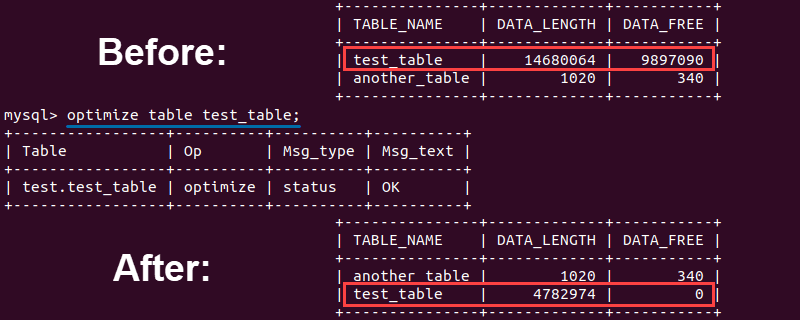 Image description
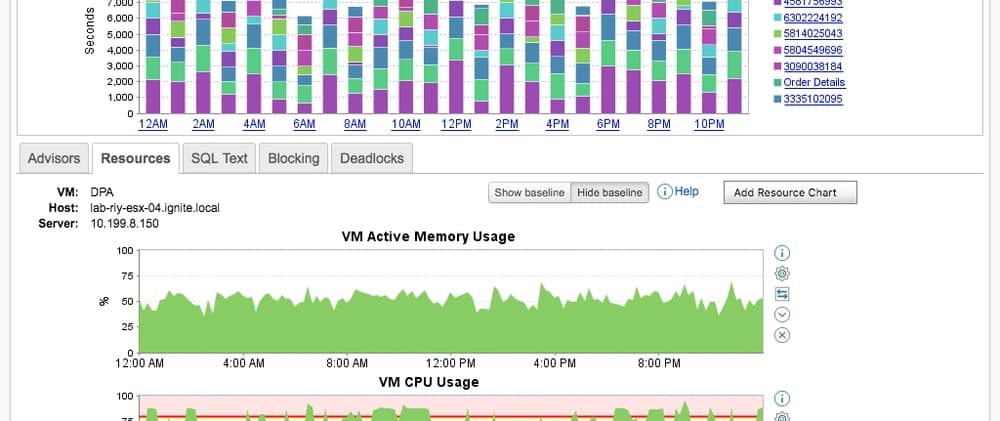
In this guide, we will explore various methods and tools to monitor the performance of MySQL databases and analyze query execution plans. By understanding and utilizing these techniques, you can optimize your database performance, identify slow queries, and improve overall efficiency.
Image description
In this guide, we will explore various methods and tools to monitor the performance of MySQL databases and analyze query execution plans. By understanding and utilizing these techniques, you can optimize your database performance, identify slow queries, and improve overall efficiency.
Introduction
Efficient database performance is crucial for ensuring the smooth operation of applications. Monitoring system performance parameters, analyzing slow query logs, and understanding query execution plans are essential tasks for database administrators. This guide provides a comprehensive overview of these processes, focusing on MySQL.
Viewing System Performance Parameters
MySQL provides several ways to monitor performance parameters using the SHOW STATUS statements. These parameters help you understand the current state and performance of your MySQL server.
Syntax format:
SHOW [GLOBAL | SESSION] STATUS LIKE 'parameter';Commonly Used Performance Parameters
| Parameter Name | Description |
|---|---|
connection | Number of connections to the MySQL server |
uptime | MySQL server online time |
slow_queries | Number of slow queries |
innodb_rows_read | Number of rows returned by select queries |
innodb_rows_inserted | Number of rows inserted by insert operations |
innodb_rows_updated | Number of rows updated by update operations |
innodb_rows_deleted | Number of rows deleted by delete operations |
com_select | Number of query operations |
com_insert | Number of insert operations (batch inserts count as one) |
com_update | Number of update operations |
com_delete | Number of delete operations |
last_query_cost | SQL query cost |
Slow Query Log (Locating Slow Executing SQL)
The slow query log is an essential tool for identifying SQL statements that are performing poorly. This log records statements whose response time exceeds a defined threshold (long_query_time).
Enabling and Using Slow Query Logs
By default, MySQL does not enable the slow query log. You need to manually enable it and set the appropriate parameters.
Check if the slow query log is enabled:
mysql> SHOW VARIABLES LIKE 'slow_query_log';
+----------------+-------+
| Variable_name  | Value |
+----------------+-------+
| slow_query_log | OFF   |
+----------------+-------+
1 row in set (0.01 sec)
Enable the slow query log:
mysql> SET GLOBAL slow_query_log = ON;
Query OK, 0 rows affected (0.12 sec)

mysql> SHOW VARIABLES LIKE 'slow_query_log%';
+---------------------+--------------------------------+
| Variable_name       | Value                          |
+---------------------+--------------------------------+
| slow_query_log      | ON                             |
| slow_query_log_file | /var/lib/mysql/rqtanc-slow.log |
+---------------------+--------------------------------+
2 rows in set (0.00 sec)
Query the long_query_time threshold:
mysql> SHOW VARIABLES LIKE 'long_query_time';
+-----------------+-----------+
| Variable_name | Value |
+-----------------+-----------+
| long_query_time | 10.000000 |
+-----------------+-----------+
1 row in set (0.00 sec)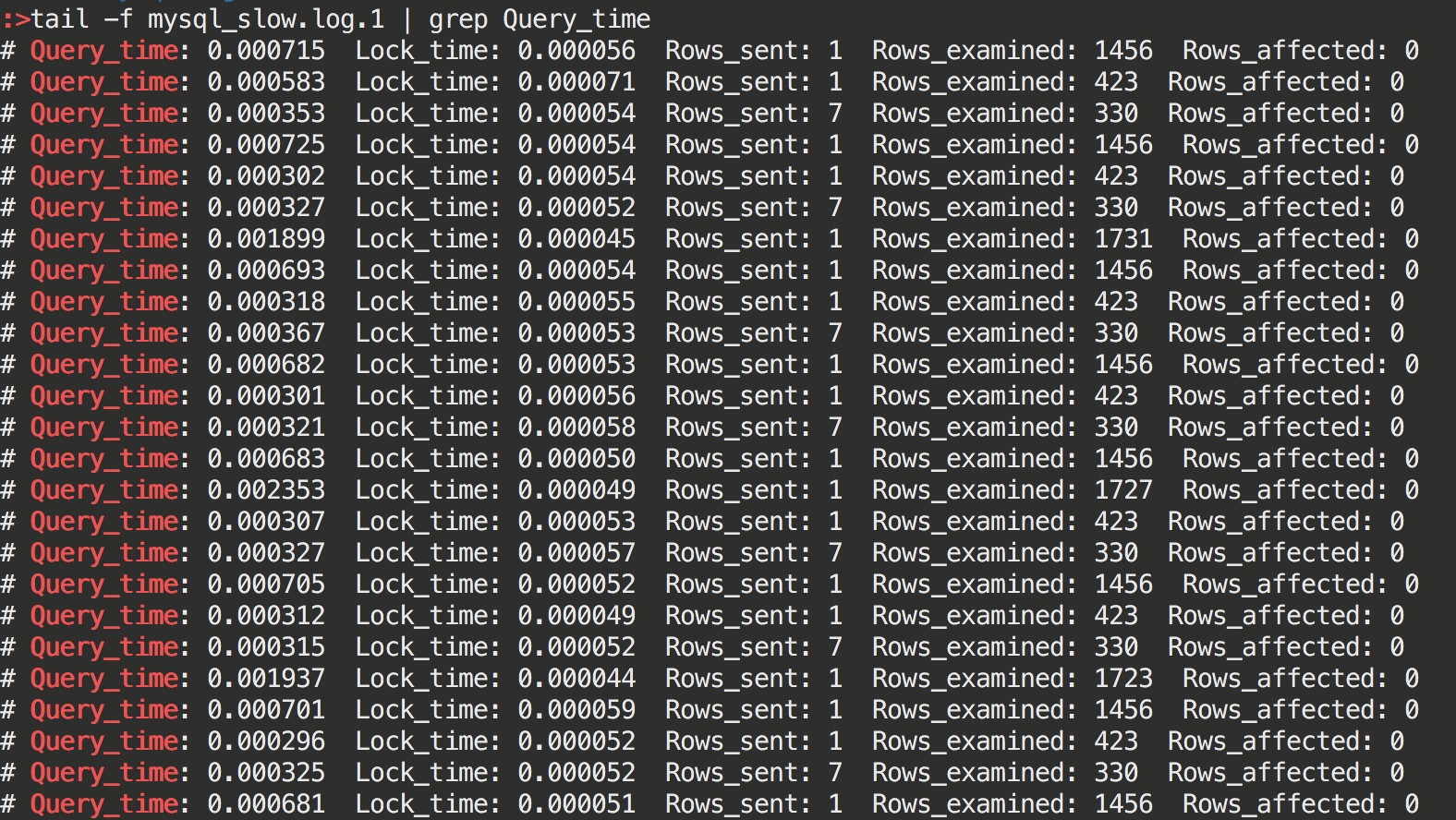 Image description
Modify the long_query_time threshold:
Edit /etc/my.cnf:
long_query_time = 5Restart MySQL:
[root@rqtanc ~]# systemctl restart mysqld.serviceCheck the number of slow queries:
mysql> SHOW STATUS LIKE 'slow_queries';
+---------------+-------+
| Variable_name | Value |
+---------------+-------+
| Slow_queries  | 0     |
+---------------+-------+
1 row in set (0.00 sec)
Slow Query Log Analysis Tool: mysqldumpslow
The mysqldumpslow tool helps you parse and summarize the MySQL slow query log.
View mysqldumpslow help information:
[root@rqtanc ~]# mysqldumpslow --help
Usage: mysqldumpslow [OPTS...] [LOGS...]

Parse and summarize the MySQL slow query log. Options are

  --verbose    verbose
  --debug      debug
  --help       write this text to standard output

  -v           verbose
  -d           debug
  -s ORDER     what to sort by (al, at, ar, c, l, r, t), 'at' is default
                al: average lock time
                ar: average rows sent
                at: average query time
                 c: count
                 l: lock time
                 r: rows sent
                 t: query time
  -r           reverse the sort order (largest last instead of first)
  -t NUM       just show the top n queries
  -a           don't abstract all numbers to N and strings to 'S'
  -n NUM       abstract numbers with at least n digits within names
  -g PATTERN   grep: only consider stmts that include this string
  -h HOSTNAME  hostname of db server for *-slow.log filename (can be wildcard),
               default is '*', i.e. match all
  -i NAME      name of server instance (if using mysql.server startup script)
  -l           don't subtract lock time from total time
Source of the analysis file:
mysql> SHOW VARIABLES LIKE 'slow_query_log_file%';
+---------------------+--------------------------------+
| Variable_name       | Value                          |
+---------------------+--------------------------------+
| slow_query_log_file | /var/lib/mysql/rqtanc-slow.log |
+---------------------+--------------------------------+
1 row in set (0.00 sec)
Execute the following statements for analysis:
[root@rqtanc ~]# mysqldumpslow -a -s t -t 5 /var/lib/mysql/rqtanc-slow.log

Reading mysql slow query log from /var/lib/mysql/rqtanc-slow.log
Count: 1  Time=0.00s (0s)  Lock=0.00s (0s)  Rows=0.0 (0), 0 users@0 hosts

Died at /usr/bin/mysqldumpslow line 162, <> chunk 1.
Viewing SQL Execution Costs: SHOW PROFILE
The SHOW PROFILE command provides insights into the execution costs of SQL statements. For more detailed information, refer to MySQL's official documentation on SQL execution processes and principles.
Analyzing the Query Statement: EXPLAIN
The EXPLAIN statement is a powerful tool for analyzing query execution plans. It helps you understand how MySQL executes queries, allowing you to optimize them for better performance.
Basic syntax:
mysql> EXPLAIN SELECT 1;
+----+-------------+-------+------------+------+---------------+------+---------+------+------+----------+----------------+
| id | select_type | table | partitions | type | possible_keys | key  | key_len | ref  | rows | filtered | Extra          |
+----+-------------+-------+------------+------+---------------+------+---------+------+------+----------+----------------+
|  1 | SIMPLE      | NULL  | NULL       | NULL | NULL          | NULL | NULL    | NULL | NULL |     NULL | No tables used |
+----+-------------+-------+------------+------+---------------+------+---------+------+------+----------+----------------+
1 row in set, 1 warning (0.00 sec)
Relevant Descriptions of EXPLAIN Output Columns
| Column | Description |
|---|---|
id | Unique id for each select keyword in a query. |
select_type | Type of select query (e.g., SIMPLE, PRIMARY, SUBQUERY). |
table | Table name involved in the query. |
partitions | Matching partition information. |
type | Access method for the table. |
possible_keys | Possible indexes that might be used. |
key | Actual index used. |
key_len | Length of the index used. |
ref | Columns or constants that are compared to the index. |
rows | Estimated number of rows to be read. |
filtered | Percentage of rows filtered by the query conditions. |
Extra | Additional information about the query execution. |
EXPLAIN Output Format Syntax
Traditional format: tabular format
JSON format: Outputs the query execution plan as data in JSON format, suitable for automated processing and analysis.
Tree format: Provides a more readable, tree-structured format, with each node representing an operation in the query execution plan.
Extended format (EXTENDED): Includes additional detailed information, such as operation status, scan methods, and index lengths, useful for in-depth analysis and performance tuning.
Using SHOW WARNINGS
The SHOW WARNINGS command displays warning messages generated by recently executed statements. These warnings can help identify and resolve implementation issues or unexpected situations.
Warning messages may include:
- Warning: The code or number of the warning.
- Level: The severity level (Note, Warning, or Error).
- Message: A description of the warning.
Analyzing the Optimizer Execution Plan: trace
The optimizer_trace functionality tracks various decisions made by the
optimizer (e.g., table access methods, cost calculations, transformations) and records the results in the information_schema.optimizer_trace table. This function is disabled by default and needs to be manually enabled.
Enabling optimizer_trace
Enable trace and set the format to JSON. Also, set the maximum memory size that the trace can use to ensure complete display during the parsing process.
MySQL Monitoring Analysis View: sys.schema
The sys.schema provides various views to monitor and analyze MySQL performance. These views include host-related summaries, InnoDB information, I/O usage, memory usage, connection and session information, table statistics, index usage, and user-related statistics.
Conclusion
By effectively utilizing the tools and techniques described in this guide, you can monitor and optimize the performance of your MySQL databases. Understanding system performance parameters, analyzing slow queries, and interpreting query execution plans are essential skills for any database administrator. Regularly performing these tasks will help ensure your databases run efficiently and meet the performance needs of your applications.
相关阅读
database
The True Cost of Poor Data Quality: Why It Matters and How to Improve It
In today’s fast-paced, data-driven world, businesses have more access to data than ever before....
database
Key Considerations for Effective Database Table Design
Introduction In database design, the structure of tables is a critical element that...
ipaddresses
How to Determine the Network Address from a Known IP Address
Ever wondered how devices communicate within a network? Or perhaps you've come across terms like "IP...
原文发布
本文首发于 dev.to,评论与点赞保留在原站。
在 dev.to 继续阅读