← projects
AI Agent Toolkit
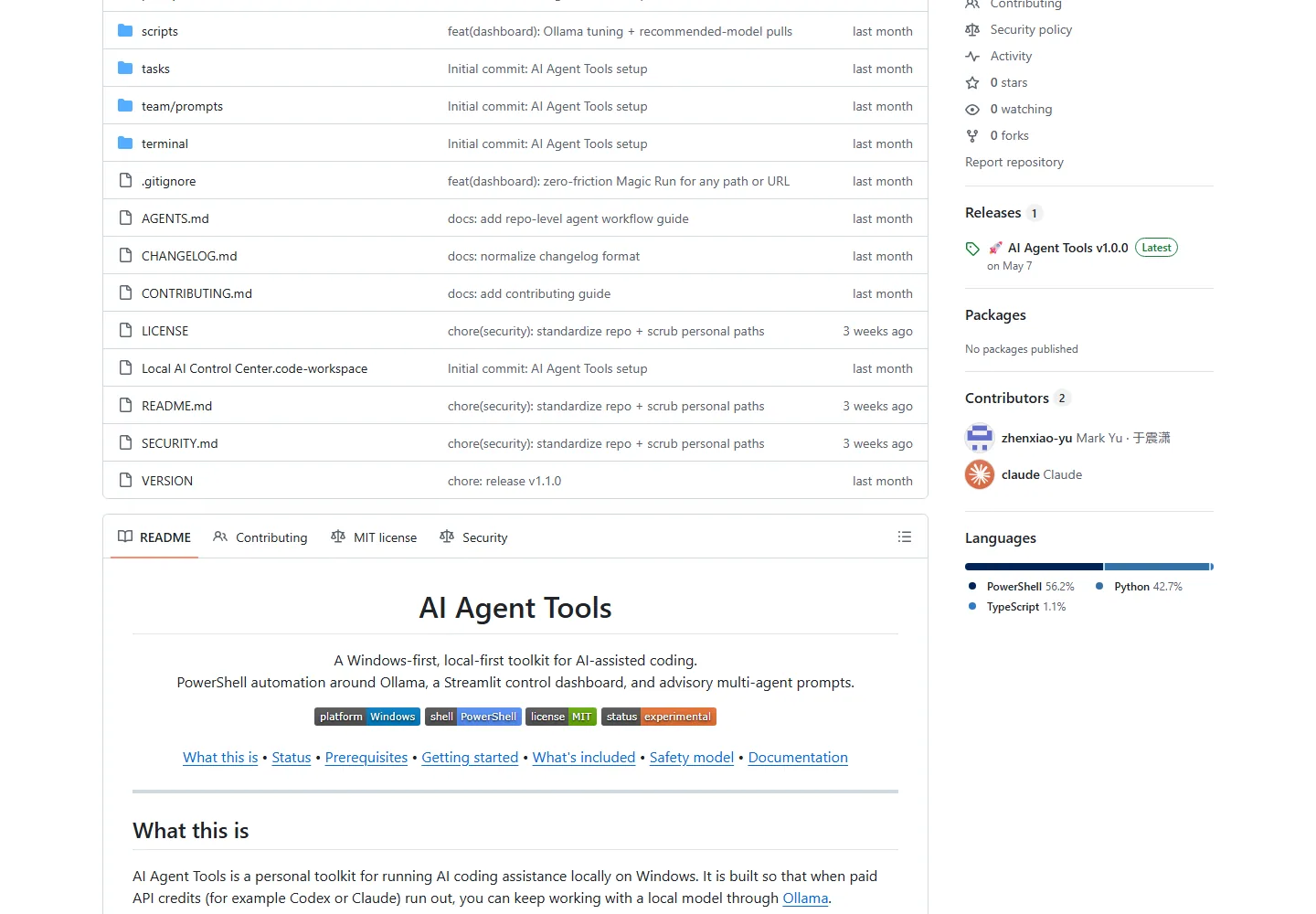
A personal Windows-first toolkit for local AI coding: PowerShell automation, Ollama, a Streamlit control center, and conservative repo workers.
What it is
Problem
Many AI coding workflows assume paid cloud access, Unix tooling, and permissive automation. This project asks what a local fallback looks like on a real Windows workstation when control and review matter more than autonomy.
Solution
Around 55 PowerShell scripts inspect and bootstrap the machine, manage Ollama, run health checks, schedule jobs, and launch one-task repo workers. A modular Streamlit dashboard surfaces status and reports, while six sequential role prompts produce advisory plans without editing files.
What it looks like
Toolkit mapThe public documentation separates machine automation, the dashboard, conservative repo workers, and advisory role prompts.
Built with
Automation
- PowerShell 5.1/7
- Windows Task Scheduler
- GitHub CLI
Local AI
- Ollama
- qwen2.5-coder:14b
- Aider
Control surface
- Python
- Streamlit
Platform
- Windows 10/11
- VS Code
- Cline
Highlights
- Ordered inspect/install/model/validation bootstrap scripts
- Ollama lifecycle, model checks, diagnostics, and provider routing
- Streamlit dashboard with eight operational pages
- Conservative one-task repo worker that branches, validates, reports, and stops
- Six-role advisory pipeline that never edits the target repository
- Explicit safeguards against dirty worktrees, secrets, commits, and pushes
Engineering
- Process 01
Wrap model automation in a conservative worker
- Context
- A local model can edit quickly, but unattended commits, dirty worktrees, and sensitive-file changes create unacceptable risk.
- Approach
- Require a clean repo, create an isolated branch, run one task, validate, flag risky files, report, and stop without committing or pushing.
- Outcome
- Automation is slower and deliberately human-gated, but its output remains reviewable and recoverable.
- Process 02
Keep the six-role pipeline advisory
- Context
- Multiple role prompts are useful for planning and review but can compound mistakes if each is allowed to mutate the repo.
- Approach
- Pass repository context through six sequential roles that only write a combined report.
- Outcome
- The pipeline improves perspective without edit conflicts, though a human still has to turn advice into code.
Under the hood
Architecture notes
- Automation is scripted in PowerShell so it stays transparent and hackable.
- The repo worker delegates edits to Aider but wraps it in preflight checks, isolated branches, validation, risk scanning, and reports.
- The six-role pipeline is advisory: it passes repository context through Product, Tech Lead, Developer, QA, Reviewer, and DevOps prompts without changing files.
- The dashboard is split into config, data, services, pages, and UI modules rather than one Streamlit script.
Challenges
- This is a personal toolkit shaped around one machine, not a general-purpose agent platform.
- Most scripts assume a C:\ai-agent-tools installation path and depend on locally installed Windows tooling and hardware.
- Local models provide continuity and privacy, but they do not match the capability or convenience of every paid model.
Outcome
A released v1.1.0 personal toolkit with documented setup, safety boundaries, diagnostics, dashboard modules, and repeatable local-model workflows. It is useful as a reference, not advertised as a polished cross-platform product.
Roadmap & lessons
Lessons learned
- 01Local-first AI tooling trades convenience for control and privacy.
- 02Windows-native developer tooling is underserved and worth designing for.
Next steps
- 01Remove hard-coded installation assumptions
- 02Add repeatable integration tests for worker safety
- 03Publish measured local-model comparisons